 Community Magazine
Joomla Community Magazine Authors
Viviana Menzel

Since 2008, I am creating websites with Joomla. In 2014 I started volunteering in the Joomla community and I am now active in various teams (Maintainers, Accessibility, Events). I like to write articles for the Joomla Magazine and other blogs. Since 2019, I have been (co-)organising the JoomlaDay Germany / D-A-CH.
Visit websiteArticles

CSS Shorts: light-dark()
Do you want to set up a dark mode with CSS? Here's how! The light-dark() CSS function is baseline (works across the latest browser versions) since May 2024 and allows you to easily create a dark mode for your website.
Read more …
How to create a conference website with Joomla Core - Part 3
Part 1 of our series about creating a conference website with Joomla core covered everything there is to know about preparing and defining the desired functionality. Part 2 was about the process of submitting and approving Talks. In the last part of the series I will detail the process of creating the conference schedule.
Read more …
The Joomla Community Magazine: A Journey to Joomla Core
How we managed the migration of the Joomla Community Magazine from EasyBlog to Joomla Core.
Read more …
Can I do that with Joomla?
This article is about how I (re)discovered a Joomla function, because I was inspired by a website I came across.
Read more …
Show it, hide it: control your Joomla modules
If you follow my writings, you probably know that I try to use as few extensions as possible. Not because I don’t like extensions, but because I like to keep the websites I create as easy to maintain as possible. There are many cases where extensions absolutely make sense: events calendars, big image galleries, file downloads, etc. In other cases I’m sure I can handle the request with Joomla core and some overrides, because Joomla is a very powerful system.
Read more …
How to create a conference website with Joomla Core - Part 2
In the first part of this article I wrote about the planning around the conference website. I described the content types and the functionality we want to have. Now I will show you what happens after a speaker submits a talk.
Read more …
How to create a conference website with Joomla Core
Building a conference (or any other) website doesn’t begin with design; it starts with a clear plan for content and functionality. As developers and organizers, we know a beautiful site is useless without a strategically organized approach. In this article we'll explore how to make the most of Joomla Core to build a conference website that delivers.
Read more …
The hidden power of Joomla’s Articles - Categories Module (and how to use it)
What if you could have different colors and other styling for each category? With the Articles - Categories Module, you can - and all it takes is a few small tweaks. Joomla offers many modules, but some powerful ones go unnoticed. The Articles - Categories Module is one of them, and with a few small code and CSS tweaks, it can do far more than expected.
Read more …
CSS Shorts: :has()
The CSS :has() pseudo-class is often called the long-awaited “parent selector” in CSS, enabling developers to style elements based on their children or siblings.
Read more …
CSS Shorts: Gradients
Gradients are powerful for adding depth, highlights, or visual interest to backgrounds, buttons, and overlays. All with pure CSS. Head over to your user.css and spice up your Joomla website!
Read more …
Cassiopeia’s Child Learns to Dress Itself: Colors and Font Sizes in Joomla’s core template
Joomla 6 is out and it brings a great example of a Child Template with new options for colors and font sizes.
Read more …
CSS Shorts: Subgrid
In the September Issue of the Magazine I started a new CSS Series with short explanations of modern CSS properties and functions. Today’s article is about Subgrids.
Read more …
CSS Shorts: Logical Properties
When we're busy with deadlines and to-do lists, it can be difficult to keep up with new technologies. CSS has evolved dramatically in recent years, and it's not always easy to keep up with the latest developments.
In this article (perhaps it will become a series), I want to focus on a change that makes code easier and more flexible to write, especially for multilingual websites.
Read more …
Joomla Milestones: 2005-2025
Twenty years of development, twenty years of commitment, twenty years of working together: if we'd ask every Joomler to create a timeline of what they consider the highlights and milestones of Joomla's first two decades, no two timelines would be the same. Nevertheless we wanted to give it a try. If you think anything is missing, please use the comments section to tell us what it is and why it should be there! And we'd really love it if you share your personal Joomla highlights as well, you can also do that in the comments. But first, have a look at our impressive timeline!
Read more …
How to create a timeline in Joomla
Is it possible to create a timeline using only Joomla core? You probably already know the answer: yes, with a little override and a few lines of CSS ;-). This article explains how to do it using the Articles Module in Joomla. See it in action here: Joomla Milestones 2005-2025.
Read more …
How to create an author's page
If your website (or your client’s website) features blogs or articles by multiple authors, you may want to have author pages showing their bio and links to the articles they’ve written. Here’s how to do that with Joomla’s core contact component.
Read more …
No Overrides: Four creative ways to modify your content using CSS grid
In this article I will show you how to modify the blog layout and the articles module in Cassiopeia (or any other template that is using the core views) without overrides, just by applying CSS grid layout.
Read more …
Pushed to the Bottom: 3 Brilliant Footer Hacks with Minimal Coding
In the Magazine we have a lot of articles about tweaking different elements in Cassiopeia:
Read more …
Five ways to use the Articles Module
In Joomla 5.2, the Articles Module was introduced, a new module that should replace the existing modules (Articles - Archived, Articles - Category, Articles - Latest, Articles - Most Read and Articles - Newsflash). The Articles Module combines all parameters of the old modules, includes new ones and enables you to showcase your articles in different ways.
Read more …
Accordion Override for Articles Module
If you have followed my writings in the Magazine, you already know that I really like overrides. Overrides have helped me understand how Joomla works and they give me the possibility to change almost everything without breaking Joomla core.
Read more …
Joomla Cookies you don't need user consent for
These cookies look and taste good. And you don't need a user consent banner!
Read more …
How to create an Advent Calendar using the new Articles Module in Joomla 5.2
Power to imagination! In Joomla 5.2, the brand new Articles Module was introduced, a super flexible module that enables you to showcase your articles. In this article, Viviana shows us how you can use this module to create an Advent Calendar. Get inspired and unleash your own creativity!
Read more …
Keep the Focus
When you're designing or building a website, you'll probably make sure it appeals to your target group, or your client's target group. You'll carefully choose the images and the colours and for the content you'll use wording and vocabulary that fits the target group. But have you thought of the usability and accessibility? Not all visitors can navigate the same way. If you can't use a mouse, how do you know where you are?
Read more …
Cassiopeia, Joomla’s powerful built-in template: how to modify the header with css grid
With Joomla's built-in powerhouse template, also known as Cassiopeia, you can do so much more than you’d think. In this tutorial we’ll create a slim and stylish header with just CSS!
Read more …
Create a banner from Joomla's category description
A gorgeous banner for your category blog, easy to adjust and maintain by the content manager of the site - surely you must need an extension for that? Nope. Not in Joomla. You don’t even have to be Super Coder to achieve this! Read all about the power of custom fields to style your categories.
Read more …
Collapsible sections with Bootstrap
Do you have pages with a lot of content, or do you want to create a page where the visitor can decide for themselves which info they’d like to see (like an FAQ page)? An accordion is perfect for that. The visitor gets an overview of the topics, clicks on the interesting ones and the content gets revealed. And the good part is: you don’t need an extension for this, you can do it with a little tweaking - creating an override - of one of Joomla’s core views. Here’s how you do it!
Read more …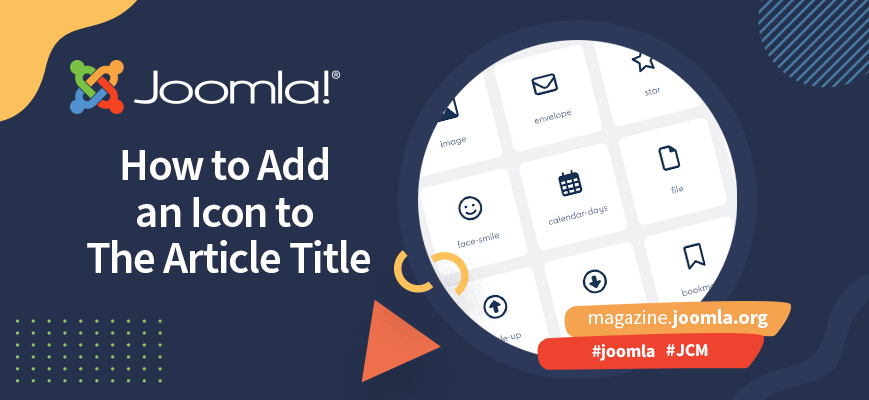
How to add an icon to the article title
A while ago someone asked in a Mattermost channel how to add an icon to the article titles in a blog layout. My first impulse was “with CSS of course!”. But the requirement was extended with “each article should have an individual icon”. That’s a nice challenge, and one that can be done with an override that makes adding icons easy for content managers.
Read more …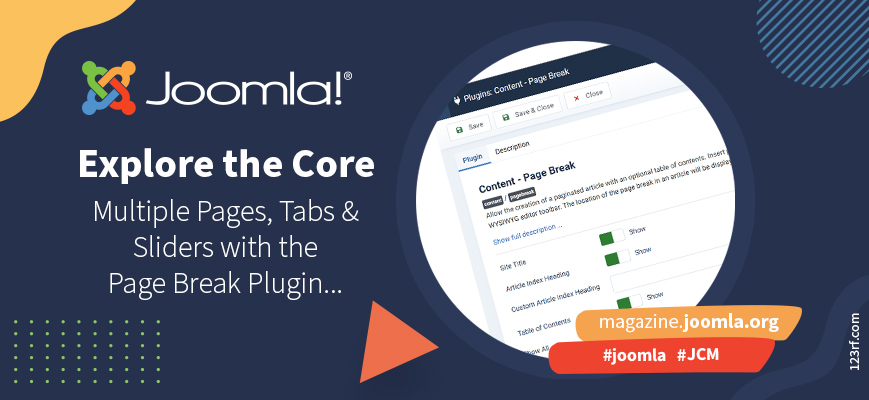
Explore the core: multiple pages, tabs and sliders with the Page Break Plugin
When you want to present your content with tabs, sliders, or multiple pages with navigation, you could head over to the Joomla Extensions Directory… but you don't need to. The functionality is built right into the core, super easy to use!
Read more …
Cassiopeia, Joomla’s powerful built-in template: how to use css classes to style images
In the last article of this series (Cassiopeia, Joomla’s powerful built-in template: how to use css classes for your category blog) we talked about css classes for the category blog. Now we want to explore the possibilities for styling and positioning images inside an article.
Read more …
Cassiopeia, Joomla’s powerful built-in template: how to use css classes for your category blog
There are a number of content display options in Joomla. One of them is the category blog, that allows us to display multiple articles from a category. This option has many settings, which can be confusing for users, so this article will describe the parameters and demonstrate what they do.
Read more …
Cassiopeia, Joomla’s powerful built-in template: the basics
When you start creating your website, you may want to search for a template that fits the design you have in mind. Instead of looking at extensive templates, page builders or frameworks with endless possibilities, you could also try Joomla’s core template, Cassiopeia. It looks simple, but it’s so powerful once you know how to use it. In this article, we cover the basic settings and options of Joomla’s built-in powerhouse.
Read more …
Style your Joomla website: The mindful movement
In the last article of this series we created a website for a fitness center called “Be fit” and added some colors to the menu and a few page elements. In this article we will stay by “Be fit” and add some movement.
Read more …
Tribute to Hagen Graf
It is with sadness that we announce the passing of Hagen Graf, a Joomler from the very beginning and a really nice guy.
Read more …
Recap Rheinwerk Accessibility Conference & Workshop
In June I attended the online Accessibility conference and the workshop “Accessible editing with content management systems” (Barrierefreie Redaktion mit Content-Management-Systemen) organized by Rheinwerk.
Read more …
Style your Joomla website: Bring color to your menu
Do you use Joomla’s built-in Cassiopeia template? And would you like to (re)style the pages on your website, but don’t know where to start? Then this series is for you! Joomla has some lesser known functions we can use to style our pages without the need of overrides.
Read more …
Style your Joomla website: Articles - Newsflash
Fancier, more stylish, super hip, or just different: sometimes you just want your website to look a little less standard. In this new series, we show you how to do that with simple adjustments, step by step.
Read more …
Explore the Core - Accessibility Add-ons in Joomla 4.1
Everyone has his own preferences and needs - and Joomla takes care of them all.
In addition to all the measures taken in the core for providing an accessible authoring tool there are add-ons in Joomla that can make your life easier and make your users and customers feel more comfortable.
Read more …
Explore the Core! A look into the advanced parameters from modules.
In the April issue from the Magazine we had an article about putting blocks of content on a website using modules. In this article we will focus on the module parameters and how to use them to modify the layout from modules.
Read more …
Explore the core! The Joomla 4 Dashboard
When you're new to Joomla (or just new to Joomla 4), your first impression of the Joomla administrator can be a little overwhelming. So many possibilities, and what do all these things even mean? Don’t worry. We’ve all been there. In this series, experienced Joomla users help you find your way. In this month’s issue, Vivana Menzel gives you a guided tour through the heart of the backend: the dashboard. Enjoy!
Read more …
Explore the Core! Put blocks on your website with modules
In the last two issues of the Joomla Magazine, we wrote about organizing content with articles and categories and creating menu items. Now it is time to spice up your website! In Joomla, the go-to way to do this is by using modules: all kinds of blocks you put on your pages. In this article, we want to give you an idea of the things you can do with Joomla modules.
Read more …
Explore the Core! Organise your content with Articles and Categories
No matter if it’s a travel blog, a recipes collection or a company page, all websites have something in common: they present some kind of content to the visitors. With Joomla, it is easy to create and organise your web content.
Read more …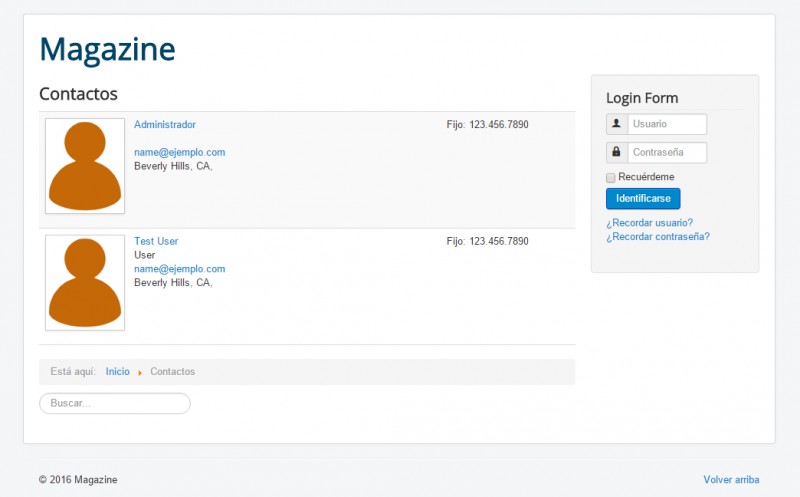
Imágenes para la lista de contactos
Joomla! viene con un componente para manejar contactos. Una limitación que algunas veces me ha llevado a buscar otra extensión para mostrar los contactos en una página, es que la vista de todos los contactos en una categoría no permite mostrar las fotos o avatares de las personas. En este artículo te voy a mostrar cómo hacer un override que agrega las imágenes en la lista de contactos.
Read more …
Problema - Idea - Plugin
Desde el 2011 tengo un cliente que me ha costado muchos nervios y sudor, pero al mismo tiempo me ha ayudado muchísimo en mi desarrollo con Joomla, hasta el punto de programar mis propios plugins!
Read more …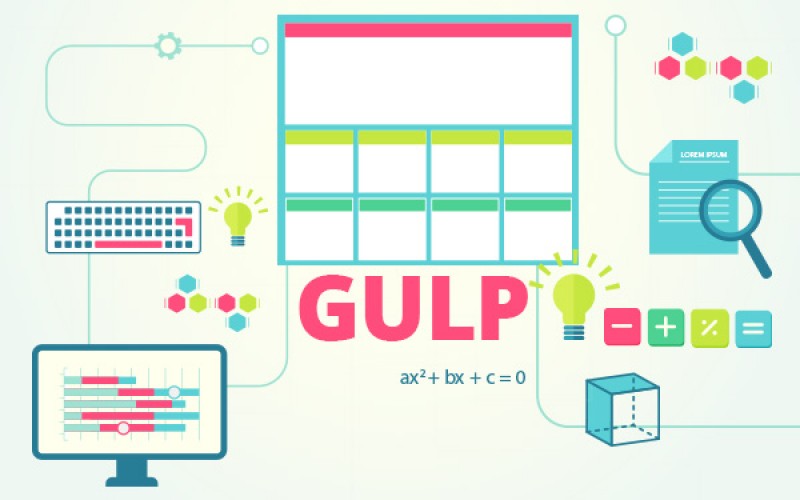
Cómo utilizar gulp en el desarrollo de plantillas
Todo desarrollador de plantillas busca siempre ir mejorando su forma de trabajo: optimizar pasos, reducir los tiempos, automatizar acciones.
En los últmos años han aparecido muchas herramientas que nos ayudan en esto. El problema, como siempre, es aprender a usarlas. En este artículo les quiero presentar a gulp, un ejecutador de tareas que podemos integrar en el desarrollo de plantillas.

J!-Over
Hoy les quiero contar sobre un nuevo proyecto de y para la comunidad Joomla!
J!-over es un proyecto de overrides para Joomla. Acaba de nacer en Alemania y espera crecer y convertirse en una plataforma de intercambio de overrides.
Read more …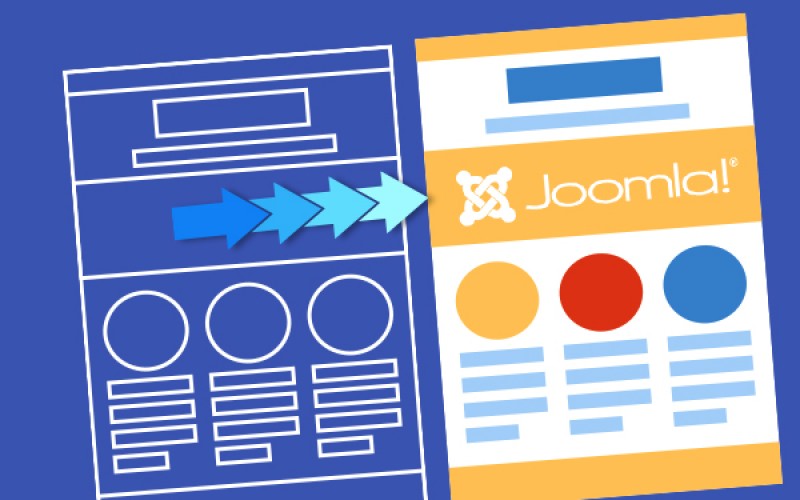
Como modificar una plantilla HTML/CSS
Seguro que conoces el problema: quieres armar un sitio y buscas plantillas para Joomla y no encuentras ninguna que te guste. Pero hay un montón de plantillas gratuitas en HTML/CSS. En este artículo te voy a explicar como modificar una plantilla común para que funcione en Joomla!
Read more …
Introducción pública, artículo registrado
A veces llega el momento en un proyecto en el que se necesita que el texto introductorio de los artículos sea visible para la audiencia general, pero si el visitante quiere ver el artículo completo, tiene que estar identificado en el sistema. El contenido completo está bloqueado y sólo después de crear u obtener una cuenta de acceso, el visitante va a tener la posibilidad de ver el contenido completo del artículo.
Read more …
Usando un menú oculto
¿Has tratado alguna vez de insertar en un artículo un enlace hacia otro artículo, sin agregar el artículo a enlazara a tu menú principal, pero te has quedado frustrado tratando de mostrar módulos junto con el artículo? La respuesta para poder mostrar módulos está en usar un menú oculto (también llamado menú invisible).
Read more …
Una introducción en LESS
En el grupo de Facebook “Joomla! en español” ha habido en los últimos tiempos algunas preguntas sobre LESS, qué es y cómo se usa. Yo descubrí LESS el año pasado y ¡me cambió la vida! LESS trae muchas cosas que uno conoce de la programación y que extraña cuando crea hojas de estilo CSS: variables, funciones, parámetros… En este artículo hago una pequeña introducción a LESS y muestro algunos ejemplos de como se usa.
Read more …
La vía elegante de agregar campos al com_content
Hace unos días me ofrecí a traducir este artículo de la Magazine en inglés: "Adding Fields to com_content The Smart Way", escrito por Don Cranford. Mientras lo traducía, me dí cuenta de que faltaban partes para que la explicación fuera "redonda", así que decidí instalar el plugin y usarlo para poder agregar más informaciones al artículo.
Lo que ofrece el plugin es una forma simple de agregar campos adicionales sin necesidad de instalar extensiones gigantescas a Joomla!. Claro que para hacer un plugin o incluso para usar el de Don Cranford hay que tener conocimientos de programación.
Cómo utilizar imágenes en Joomla! 3.3 para controlar el formato de blog?
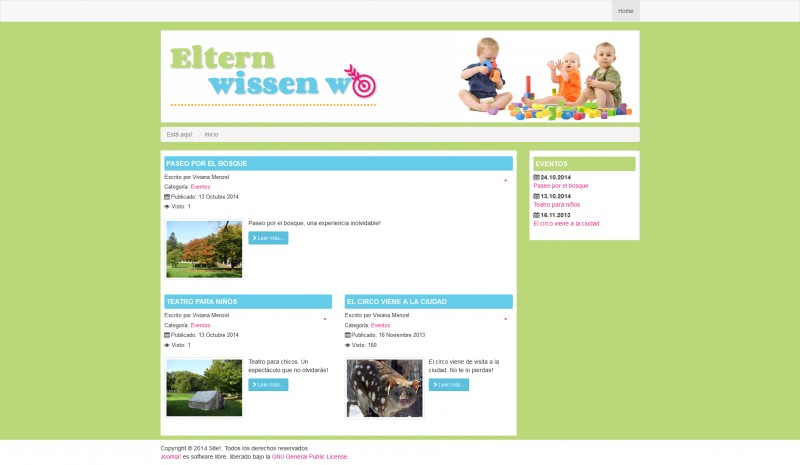
Hace unos días estuve desarrollando unas páginas como blog y me puse a buscar información de cómo usar las imágenes de introducción que todavía no conocía bien. Estuve sacando cosas de distintos tutoriales (en inglés) y pensé que a lo mejor sería un buen tema para un artículo en español.
Read more …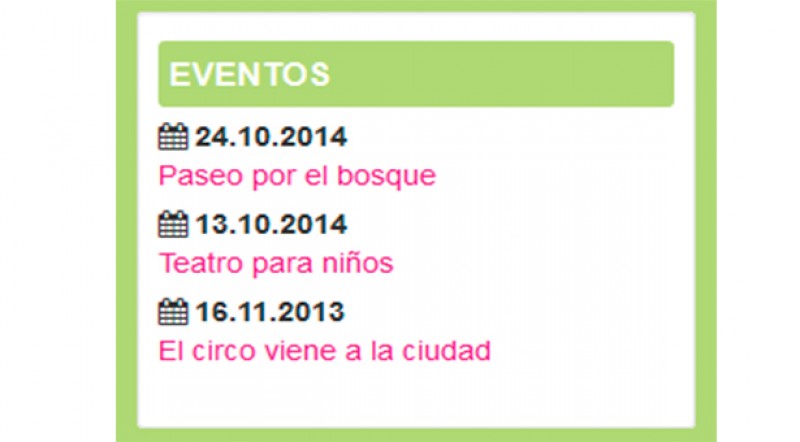
Joomla! Overrides – Calendario de eventos
Es fascinante como se puede cambiar la vista (y en parte la función) de los componentes y módulos de Joomla! con trucos simples. En este artículo quiero presentar algunas de esas ideas, en parte salidas de lo qué escuché en el JoomlaDay! Alemania.
Read more …